 The Food Safety App
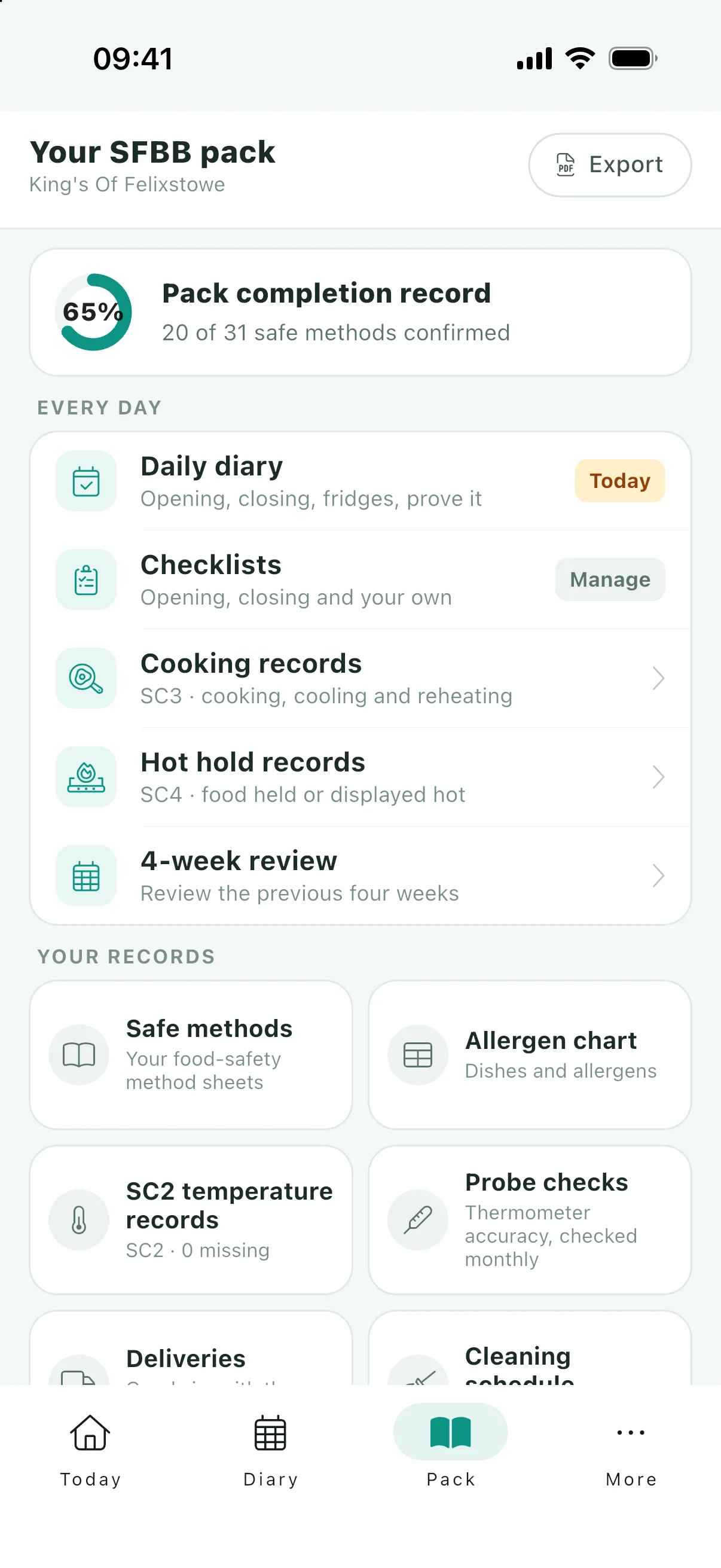
The completion record, filled in from the sheets you finished
This is the sheet that says which safe methods you have actually done. Unlike the delivery and probe records, SFBB publishes a form for this one, so the app writes onto the real form rather than inventing a layout.


Free to use. No ads, no paywalls.
The completion record is the pack’s index. It pre-prints the name of every safe method down the page, each with a row for a date, a signature and a tick for methods that do not apply to your business.
It is the first thing worth getting right, because it is the sheet that tells an officer where to look. A pack with thirty completed methods and a blank index reads like a pack with nothing done.
What the form asks for
Three things per safe method, and the FSA has already printed the names:
| Column | What goes in it |
|---|---|
| Date | When you completed that safe method. |
| Signature | Who completed it. |
| Not relevant | A tick, where the method does not apply to your business. |
What the app fills in
When you complete a safe method in the app, it stamps the date and the initials. The completion record is drawn from those stamps: the app writes each one onto the right row of the official form, so the index matches the sheets behind it without anybody copying anything across.
Rows for methods you have neither completed nor marked not relevant stay empty, which is the honest state rather than an omission.
The methods that do not apply to you
Not every safe method applies to every kitchen. If you never hot hold anything, the hot holding method is not a gap in your pack, and the form has a column for exactly that.
Mark a method as not relevant in the app and the export draws an X in that column. It is mutually exclusive with completing the sheet, because "we do not do this" and "we did this on the 3rd" are different answers and the record should carry only one of them.
It also behaves differently afterwards, in a way worth knowing. When the FSA revises a safe method, a sheet you completed against the old wording goes stale and asks to be reviewed. A method marked not relevant does not: if you do not hot hold food, a rewrite of the hot holding method does not change that.
Questions
Is this the official FSA form?
Yes. SFBB publishes a form for this one, which it does not for the delivery record, the probe calibration record, the incident log or any checklist you build yourself, and the app writes your dates and initials onto it. The FSA does publish a delivery record, SC1, but in its separate Safe Catering pack.
What about methods that do not apply to my business?
Mark the sheet as not relevant and the export draws an X in the form’s own "not relevant" column. It cannot also be completed, since those are different answers, and unlike a completed sheet it does not go stale when the FSA revises the method.
Do I have to complete every safe method?
Only the ones that apply to how your business works, which is what the not relevant column is for. Your local authority has the final say on your food safety management system.
Does it update when I complete a method?
It is drawn fresh each time you export, from the completion stamps on the sheets, so the index cannot drift out of step with the pack behind it.
Keep reading
The index, filled in as you go
Free on iOS and Android, onto the FSA’s own form.