 The Food Safety App
Checklists you build yourself, signed off like the pack’s own
The pack ships opening and closing checks, and they are deliberately generic. Your kitchen has routines the pack never imagined: the coffee machine, the bar shutdown, the delivery van, the thing that went wrong once and now gets checked every Friday.


Free to use. No ads, no paywalls.
A custom checklist is one you write: a title and as many items as the job needs. SFBB has no form for a checklist you invented, so these print on a plain page of ours, and they go into the inspection pack with everything else.
The reason to build one in the app rather than on a laminated card is that the card cannot be signed, dated or produced two months later.
What an item can ask for
A tick
Done or not done, which most checks are.
A number
A count, a reading, a quantity.
A temperature
Recorded as a temperature, so it reads as one.
A date
A use-by, a service date, a last-cleaned date.
Free text
For the answer that is a sentence.
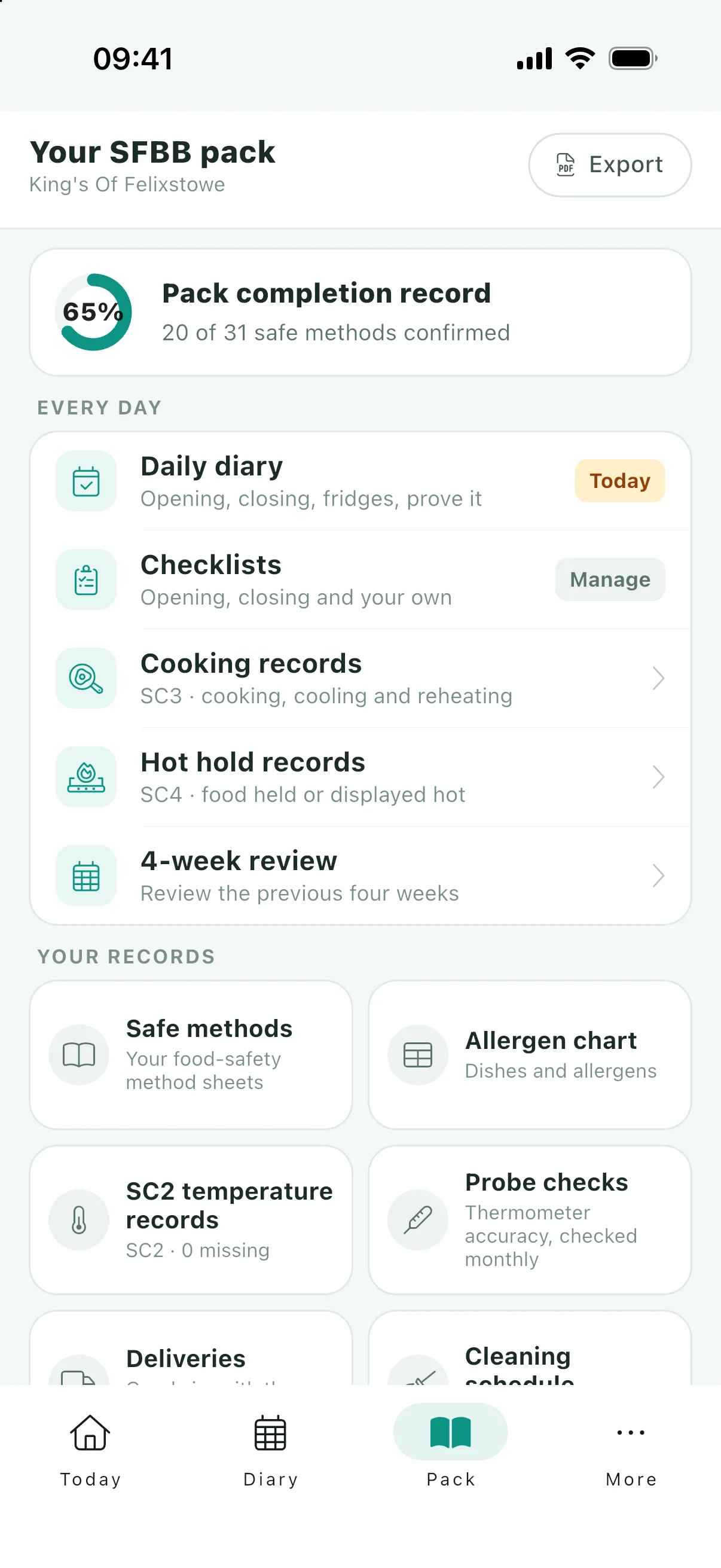
In the daily diary, or on its own
A checklist can be marked as one that belongs in the diary. When it is, it appears in Today’s Entry beside the built-in opening and closing checks and its completion is recorded per day, exactly like theirs.
When it is not, it stays a checklist you open when the job comes round, which suits anything weekly, monthly or occasional.
Each sign-off records who, and what they found
A completion is not a tick against the checklist as a whole. It records the date, who did it, and the value entered for every item, so a temperature taken in March is still a temperature in the printed record rather than the word "done".
That is what makes the printed version worth anything: a heading per checklist, then each dated sign-off underneath with its values.
Questions
Can I replace the pack’s checks with my own?
Add to them rather than replace them. The opening and closing checks are part of the pack an officer expects to see; a custom checklist covers what the pack does not, and both print in the same export.
Will my own checklists print on an SFBB form?
No. SFBB publishes no form for a checklist you invented, so the app prints a plain A4 page of its own. It goes into the inspection pack alongside the official forms for the records that have them.
Can staff complete them, or only me?
Anybody on the team, and each sign-off records who it was. That is the point of recording the name rather than just the date.
How many can I build?
As many as the kitchen needs, and the ones marked for the diary appear in Today’s Entry. Be sparing with that: a daily list nobody finishes is worse evidence than a weekly one everybody does.
Keep reading
Your checks, dated and signed
Free on iOS and Android, in the diary if you want them there.